
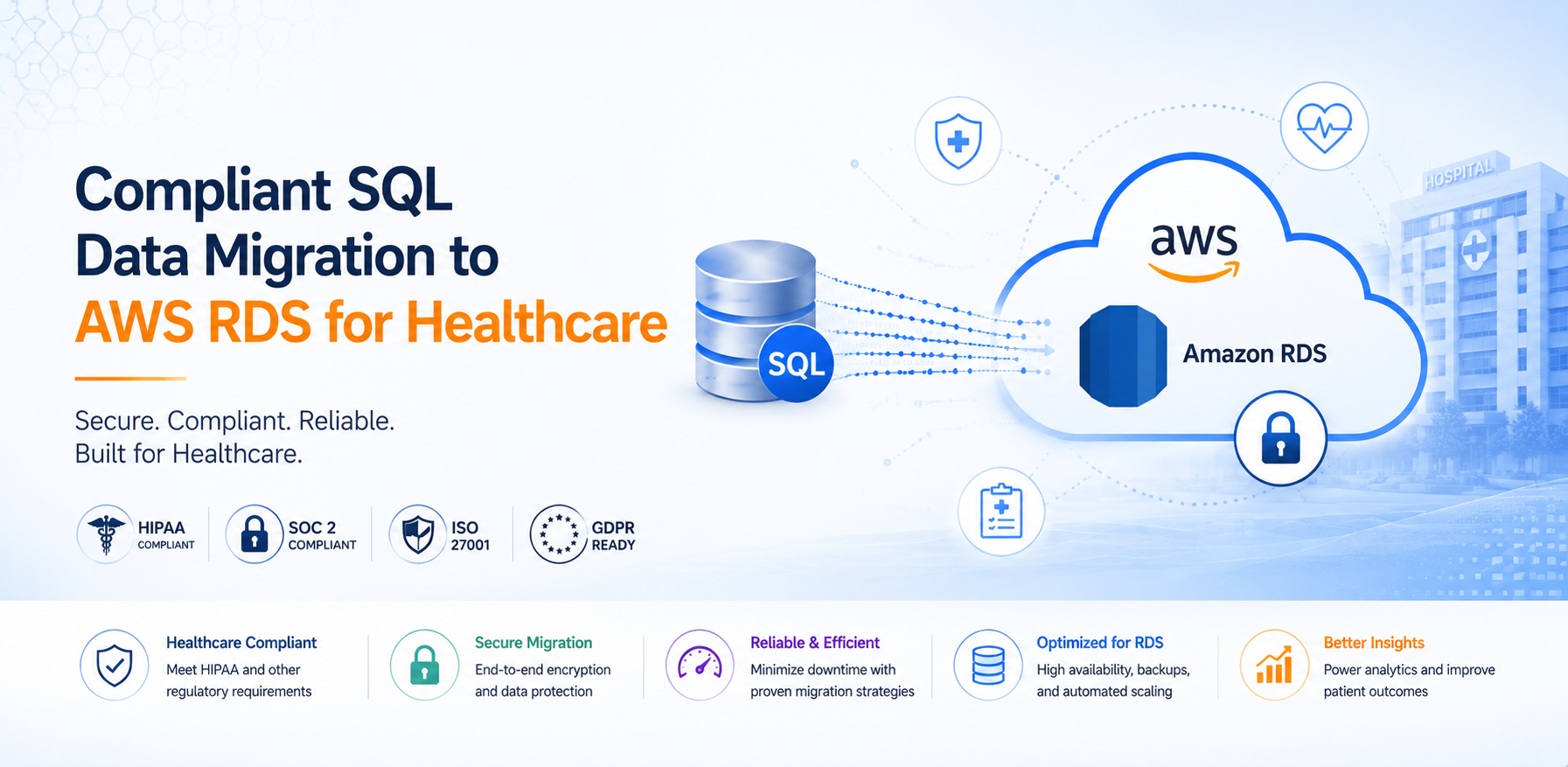
Healthcare organizations running on-premises SQL Server databases face a familiar set of pressures: aging hardware, rising licensing costs, limited disaster recovery capabilities, and the constant overhead of patching and maintenance. Moving to a managed database service on AWS solves these problems — but when the data includes Protected Health Information, the migration itself becomes a compliance event that demands careful planning and execution.
In this article, we walk through how to migrate SQL Server databases to Amazon RDS using AWS Database Migration Service, with specific attention to the HIPAA compliance requirements that healthcare organizations must satisfy throughout the process.
The Scenario
Consider a multi-location health system running several SQL Server databases on-premises — an EHR integration database, a claims processing system, and a reporting warehouse. The infrastructure is aging, DR capabilities are limited to nightly tape backups, and the DBA team spends more time on maintenance than optimization.
The goal: migrate to Amazon RDS for PostgreSQL (or RDS for SQL Server, depending on application compatibility) with zero data loss, minimal downtime, and full HIPAA compliance maintained throughout the transition.
Why Amazon RDS for Healthcare Databases
Self-managed SQL Server on EC2 gives you full control but keeps you in the business of patching, backup management, and high-availability configuration. Amazon RDS shifts that operational burden to AWS while providing the compliance controls healthcare organizations require.
Operational benefits:
- Automated patching — OS and database engine patches applied during maintenance windows you define, eliminating manual patching cycles.
- Point-in-time recovery — Automated backups with retention up to 35 days and the ability to restore to any second within that window.
- Multi-AZ failover — Synchronous replication to a standby instance in a separate Availability Zone with automatic failover — typically under 60 seconds.
- Monitoring built in — Enhanced Monitoring, Performance Insights, and CloudWatch integration provide deep visibility without third-party tooling.
Compliance benefits:
- Encryption at rest using AWS KMS with customer-managed keys — giving you full control over key rotation and access policies.
- Encryption in transit via SSL/TLS enforced at the database level.
- VPC isolation — databases run in private subnets with no public accessibility, communicating only through defined security groups.
- HIPAA eligibility — RDS is covered under the AWS Business Associate Agreement when configured according to AWS HIPAA guidance.
- Audit logging — Native database audit logs combined with CloudTrail provide a complete access record for compliance auditors.
Pre-Migration Planning
Successful database migrations start well before the first byte moves. For healthcare workloads, the planning phase is where compliance risk is identified and mitigated.
Discovery and dependency mapping — Catalog all databases, their sizes, growth rates, and the applications that connect to them. Map dependencies between databases and identify any cross-database queries or linked servers that will need architectural changes.
Target selection — Not every database should go to the same target. Consider:
- RDS for SQL Server — when application compatibility is the priority and you want minimal code changes.
- RDS for PostgreSQL — when you want to eliminate SQL Server licensing costs and the application layer can accommodate schema differences.
- Aurora PostgreSQL — when you need higher throughput, faster failover, or read replica scaling beyond what standard RDS provides.
Compliance baseline — Document the current security controls around each database. What encryption is in place? Who has access? How are credentials managed? This becomes your compliance checklist for the target environment.
Downtime tolerance — Work with application owners to define acceptable downtime windows. This drives the migration strategy — a full-load-only approach requires longer downtime, while CDC (Change Data Capture) with DMS can reduce cutover to minutes.
AWS Database Migration Service for Healthcare
AWS DMS supports both homogeneous migrations (SQL Server to SQL Server) and heterogeneous migrations (SQL Server to PostgreSQL). For healthcare workloads, DMS provides several capabilities that are critical for compliance:
- Continuous data replication — CDC captures ongoing changes from the source database, allowing the target to stay synchronized until cutover. This minimizes the downtime window.
- Data validation — Built-in validation compares row counts and checksums between source and target, providing auditable proof that no data was lost or corrupted during migration.
- Schema conversion — The AWS Schema Conversion Tool (SCT) handles DDL translation for heterogeneous migrations, flagging incompatibilities that require manual intervention.
- Audit logging — DMS task logs combined with CloudTrail provide a complete record of what was migrated, when, and by whom — essential for HIPAA audit trails.
- Network isolation — DMS replication instances run in your VPC, in private subnets, with no internet exposure. Communication with source and target databases stays within your network boundary.
HIPAA Compliance Throughout the Migration
When PHI is in motion, every step of the migration is a compliance event. Here's how to maintain HIPAA compliance throughout:
Data classification — Before migration begins, identify all tables and columns containing PHI. This drives encryption key management, access control decisions, and determines which databases require the most stringent migration controls.
Business Associate Agreement — Verify that your AWS BAA covers all services involved in the migration: RDS, DMS, S3 (if used for staging), KMS, CloudTrail, and any other services in the data path.
Access controls — Implement least-privilege IAM policies for DMS replication instances. Database credentials should be stored in AWS Secrets Manager with automatic rotation — never hardcoded in task configurations or scripts.
Encryption in transit — Configure DMS endpoints to use SSL/TLS for all connections to both source and target databases. This ensures PHI is encrypted while moving between environments.
Network isolation — Run DMS replication instances in private subnets with no direct internet access. Use VPC endpoints for communication with AWS services. Security groups should restrict traffic to only the source and target database ports.
Audit trail — Enable CloudTrail, DMS task logging, and RDS audit logging before migration begins. These logs provide the evidence trail that auditors will request — showing who accessed what data, when, and what operations were performed.
Migration Execution
Schema conversion — Use AWS SCT to convert SQL Server schemas to the target engine. Review the assessment report for action items — data type incompatibilities, unsupported features, and stored procedure translations that require manual work.
Full load — DMS performs an initial bulk load of all data from source to target. For large databases, this can take hours — plan accordingly and monitor replication instance resource utilization.
Change Data Capture — Once the full load completes, DMS switches to CDC mode, capturing and applying ongoing changes from the source. The target database stays synchronized in near-real-time.
Validation — Run DMS data validation to compare row counts and checksums across all tables. For healthcare data, also run application-level validation — verify that key queries return expected results and that referential integrity is maintained.
Application testing — Execute a full UAT cycle against the target database. Test all application workflows that touch migrated data, with particular attention to reporting queries, stored procedures, and any logic that may behave differently on the new engine.
Cutover — Stop writes to the source, allow DMS to apply final CDC changes, verify synchronization, then update application connection strings. The cutover window should be measured in minutes, not hours.
Post-migration monitoring — Monitor application performance, query execution times, and error rates for the first 48-72 hours. Have a rollback plan ready — the source database should remain available (read-only) until the migration is confirmed successful.
Common Pitfalls
Healthcare database migrations have unique failure modes. Here are the ones we see most often:
Collation mismatches — SQL Server and PostgreSQL handle collation differently. If your application relies on specific sort orders or case-sensitivity behavior, test thoroughly before cutover.
Stored procedure compatibility — T-SQL stored procedures don't translate 1:1 to PL/pgSQL. Complex business logic in stored procedures often requires manual rewriting and regression testing.
Connection string management — Healthcare applications often have connection strings embedded in multiple configuration files, Windows services, and scheduled tasks. Miss one and you'll have a silent failure post-cutover.
Performance regression — Query plans differ between engines. A query that runs in milliseconds on SQL Server may need index tuning on PostgreSQL. Run performance baselines before migration and compare after.
Credential rotation timing — If you rotate Secrets Manager credentials on a schedule, ensure the rotation doesn't happen during the migration window. A credential rotation mid-CDC can break replication silently.
Working with Atayo
Atayo holds AWS Migration Competency status and has deep experience migrating healthcare databases to AWS while maintaining HIPAA compliance. Our team has executed database migrations for health systems, specialty pharmacies, and healthcare technology companies — handling everything from single-database lifts to multi-database platform modernizations.
As a Migration Competency Partner, we can also help you access AWS MAP funding to offset the cost of your database migration engagement.
Contact us to discuss your healthcare database migration requirements.
Tags
Atayo Group
AWS-certified cloud practitioners delivering end-to-end cloud solutions and services.
About Atayo →